Systems
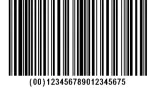
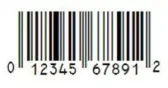
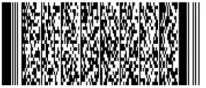
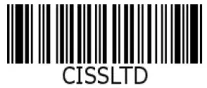
Barcoding starts with a plan, not a purchase: how labels are generated when stock arrives, how each operation is scanned, and how items get packed and shipped with the right code on them.
Sometimes your suppliers ship already-labeled goods; other times you break down a pallet and label for individual sale. Both workflows work.
We'll help you map a simple process and decide what to label first — usually the bin, then the item.
Where It Pays Off
- Shelf / Rack labels
- Inbound receiving
- Pick lists and shipping documents
- Asset tags for tools and equipment
- Serial / Lot numbers
- And a variety of other documents
Printing
On-demand printing lets you print exactly the labels you need, when you need them — a shelf label while receiving, a barcode on a pick list.
Automatic printing kicks out barcodes as you work: cycle counts, receiving, picking, packing. If a task needs a label, it prints itself.
See our Supported Printers page for models from compact desktop units to industrial printers for round-the-clock runs.
Scanners
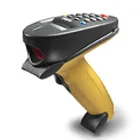
For specific model information, see our Supported Scanners page - dependable hardware from Zebra, Honeywell, and Datalogic.
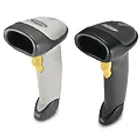
USB Wired
The classic counter scanner. Cheap and fast, limited mainly by the cord length.
Camera Scanning
Built into Inventory Pro mobile for on-the-go, low-volume scanning right from your phone.
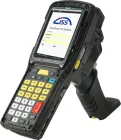
Dedicated Scanners
Rugged Android handhelds with built-in scanning for the heaviest workloads.
USB Wireless
The checkout-style scanner for countertops and larger items. Fast and dependable.
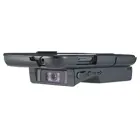
Hardware Sleds
Phone or tablet cases with a real scanner — a common setup on forklifts for medium volumes.
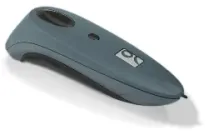
Bluetooth
Hands-free scanning with hardware you can pick up anywhere — good for medium-volume work.
Done with Spreadsheets?
Inventory Pro replaces your spreadsheet. Sign up, import your items, and start scanning with your phone.