Repairs and Service Jobs
Track repair work, pull parts from stock, schedule appointments, and invoice when the job is done.
Repair Orders
Create a repair order for each job. Add the parts you used, log hours, and generate an invoice when the work is done. Three tabs keep it organized: details, line items, and billing.
- List parts and labor for each job
- Invoice totals calculated automatically
- Reopen a closed order if more work is needed
Pull Parts From Stock
Need a replacement part for a job? Issue it against the repair order and your inventory updates automatically. The cost shows up on the job so you know exactly what each repair costs in materials.
Control which team members can issue parts against repair orders. Permissions keep your stock secure while repairs keep moving.
Book Appointments
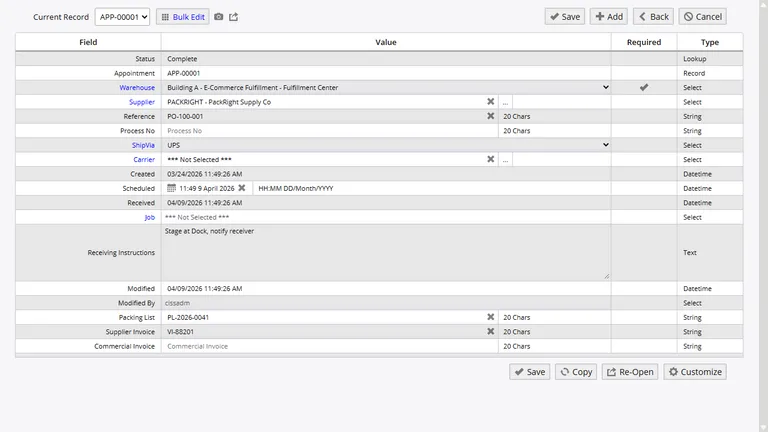
Schedule service intake and deliveries. Each appointment lists what work is expected, which parts are needed, and any attached files like photos or customer notes. When items arrive for the appointment, receive them straight into inventory.
If you run service at more than one location, appointments connect scheduled intake to repair orders automatically. Documentation travels with the record from booking through completion.
See What Repairs Cost
Run reports on how many jobs you have done, what parts you used, and how long repairs took. Invoice totals add up per order so you can see your service revenue and costs side by side.
Fix It, Track It, Bill It
Repair orders, parts, appointments, and invoices. Start free and manage your service work from day one.